
Your account
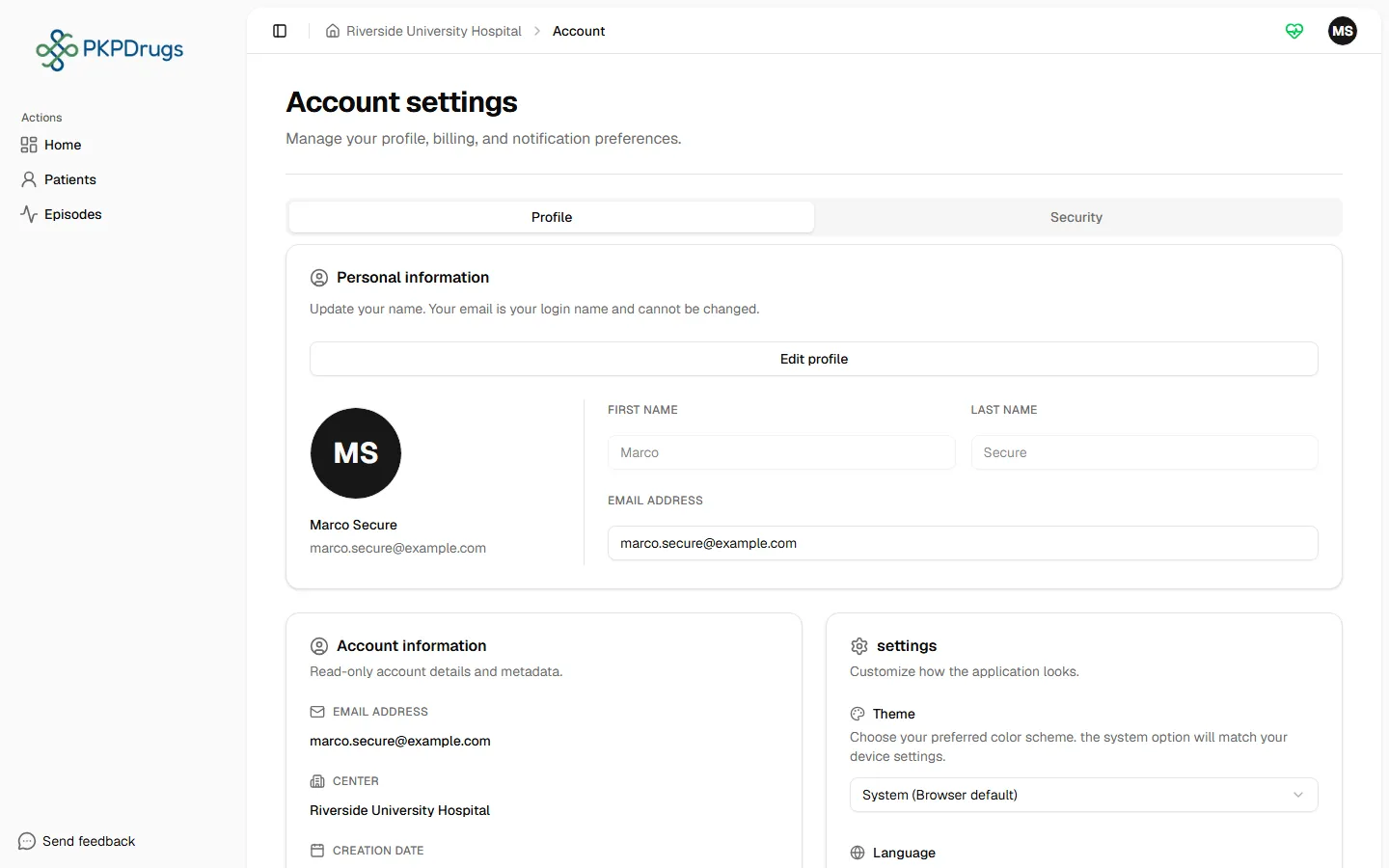
Open Account from the user menu to manage your own profile and security settings. The page has two tabs.
Profile
Section titled “Profile”Update your profile photo and personal details.
Security
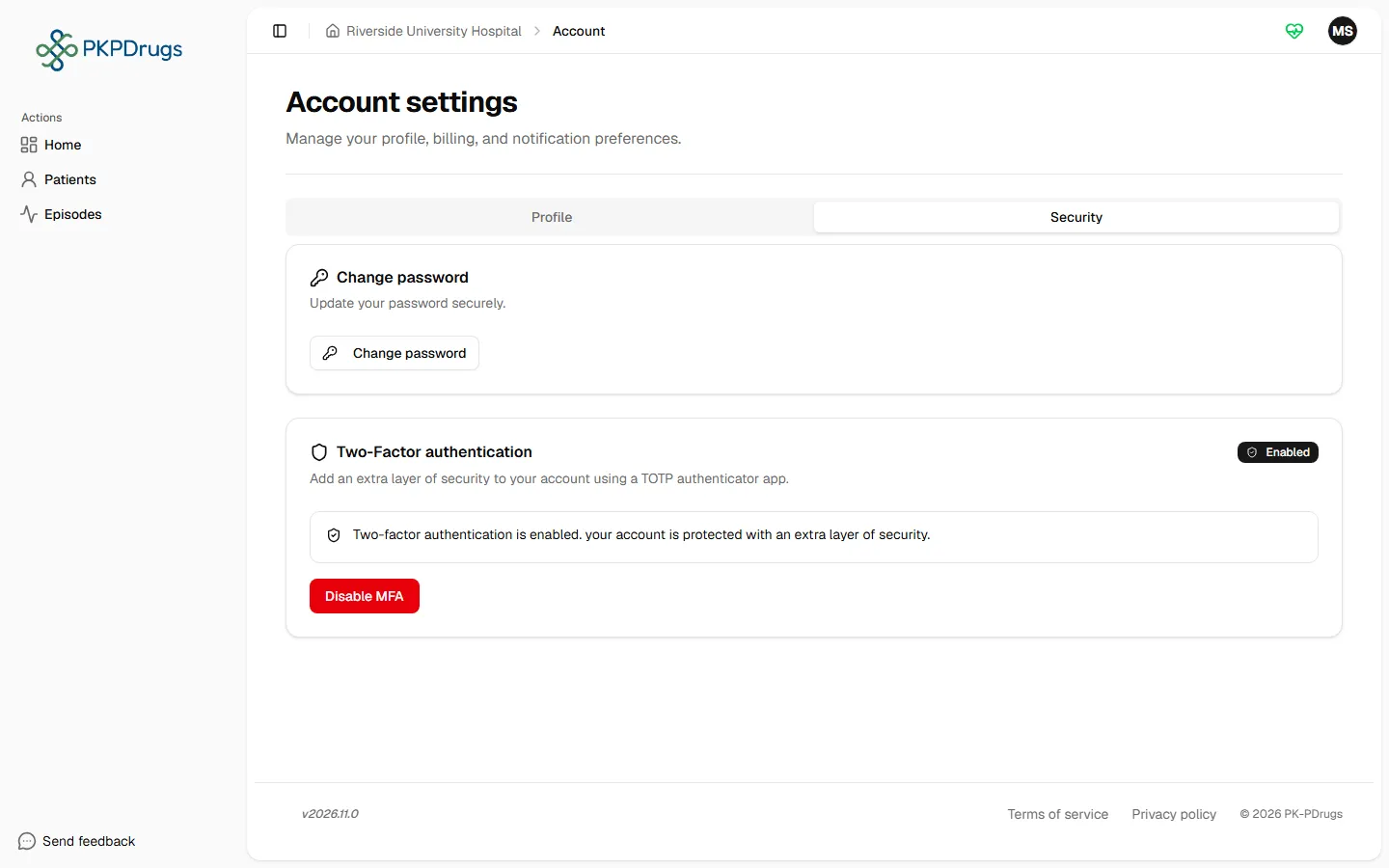
Section titled “Security”Change your password, and enable or disable multi-factor authentication (MFA). Enabling MFA shows a QR code to scan with an authenticator app, then asks you to confirm with a code from that app before it’s actually turned on — this confirms the app is set up correctly before it becomes required at login.
Next: head into the clinical workflow starting with Patients, or — if you’re an administrator setting things up for the first time — start with Administration overview.
Fields, checks and limits
Section titled “Fields, checks and limits”| Field | What to enter | Unit/format | Required | Minimum | Maximum | Message you see if it is wrong |
|---|---|---|---|---|---|---|
| First name | Your given name | Letters, spaces, apostrophes, periods, hyphens | No | 0 | 50 characters in the form (the server allows 60) | The form checks the length only. If the server refuses the characters you typed, you see “Failed to update profile” |
| Last name | Your family name | Same as first name | No | 0 | 50 characters in the form (the server allows 60) | Same as first name |
| Current password | The password you use today | Text | Yes | 1 character | - | “Current password is required”. A wrong current password is refused by the server and the app may sign you out |
| New password | Your new password | Text, 8 to 128 characters | Yes | 8 characters | 128 characters | “Password must be at least 8 characters”; “Password must contain at least one lowercase letter”; “Password must contain at least one uppercase letter”; “Password must contain at least one number”; “Password must contain at least one special character” |
| Confirm password | Your new password again | Text | Yes | Same as new password | 128 characters | “Please confirm your password”; “Passwords do not match” |
| Authenticator code (MFA) | The 6-digit code shown by the app | 6 digits | When turning MFA on | 6 digits | 6 digits | “Please enter a 6-digit code”; “Invalid verification code. please try again.” |
| Preferred language | Pick from the list: Catalan, German, English (US), Spanish (Spain), Basque, French (France), Galician (Spain), Japanese, Portuguese (Portugal), or System (Browser default) | List | No | - | - | - |
| Theme | Light, Dark or System (Browser default) | List | No | - | - | - |
The new password field does not accept more than 128 characters. Your language choice is kept in your browser; an administrator cannot set it for you.
By default, you are signed out after 30 minutes without activity (your administrator can change this). For the lock after failed sign-ins, see Logging in.