
Interface overview
Home dashboard
Section titled “Home dashboard”After signing in you land on the home dashboard: a welcome card and a feed of recent activity across the patients and episodes you have access to.
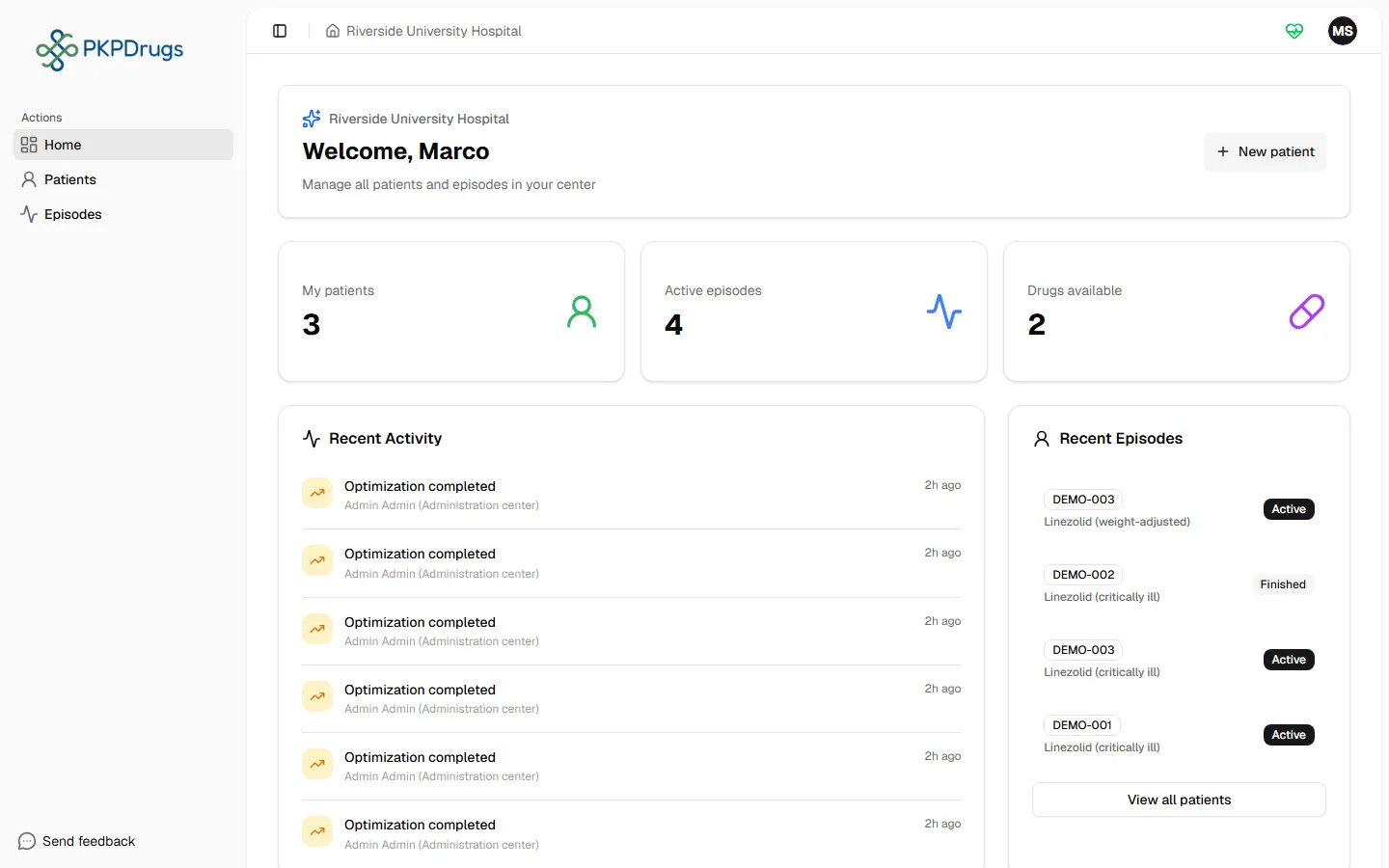
Sidebar navigation
Section titled “Sidebar navigation”The left sidebar is split into two groups, and what you see depends on your role:
- Main (everyone): Home, Patients, Episodes.
- Administration (administrators only): Centers, Users, Drugs, Covariates.
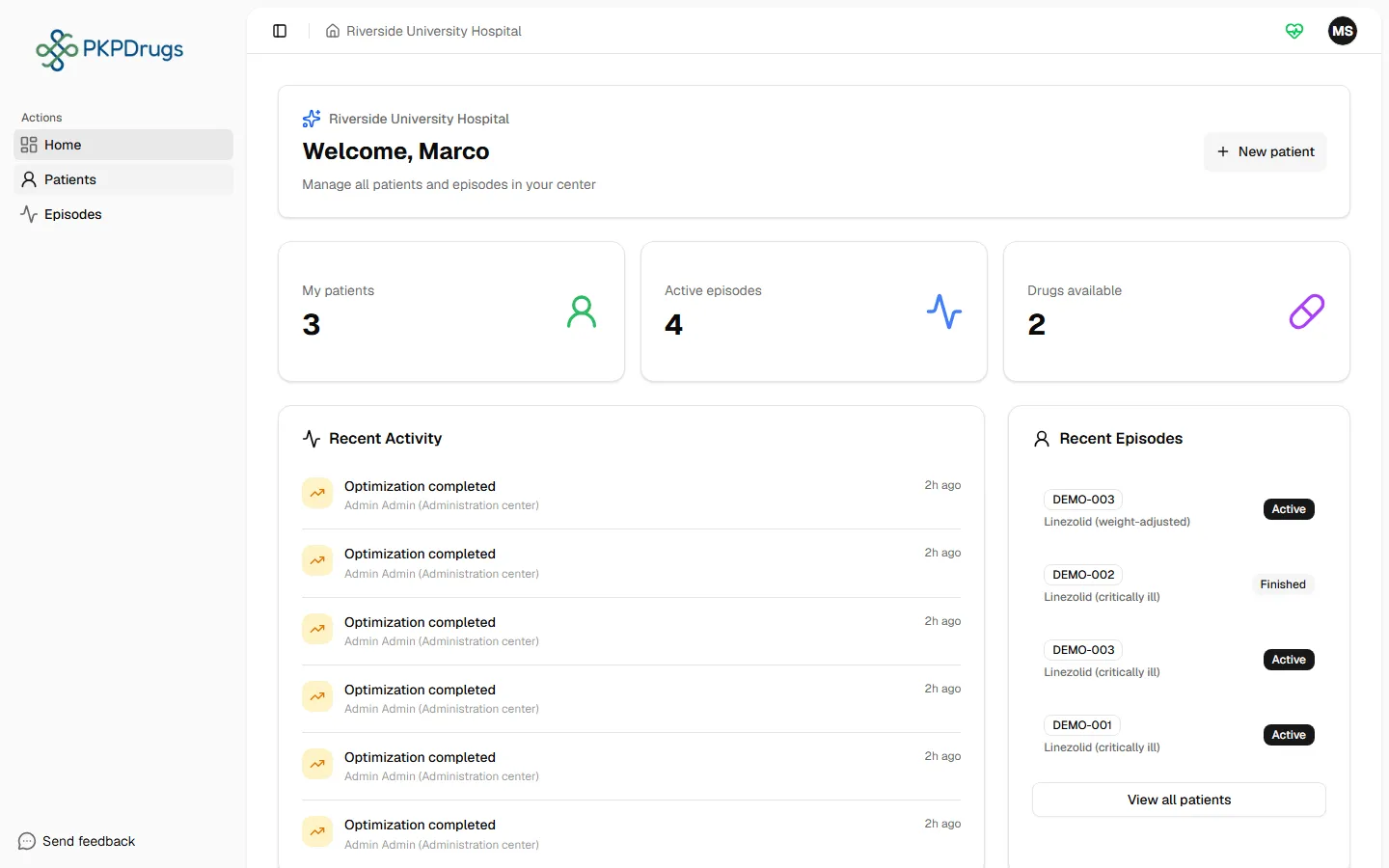
A clinical user without the ADMIN role only sees Home, Patients, and Episodes in the sidebar — the administration screens simply aren’t part of their menu.
Language and theme
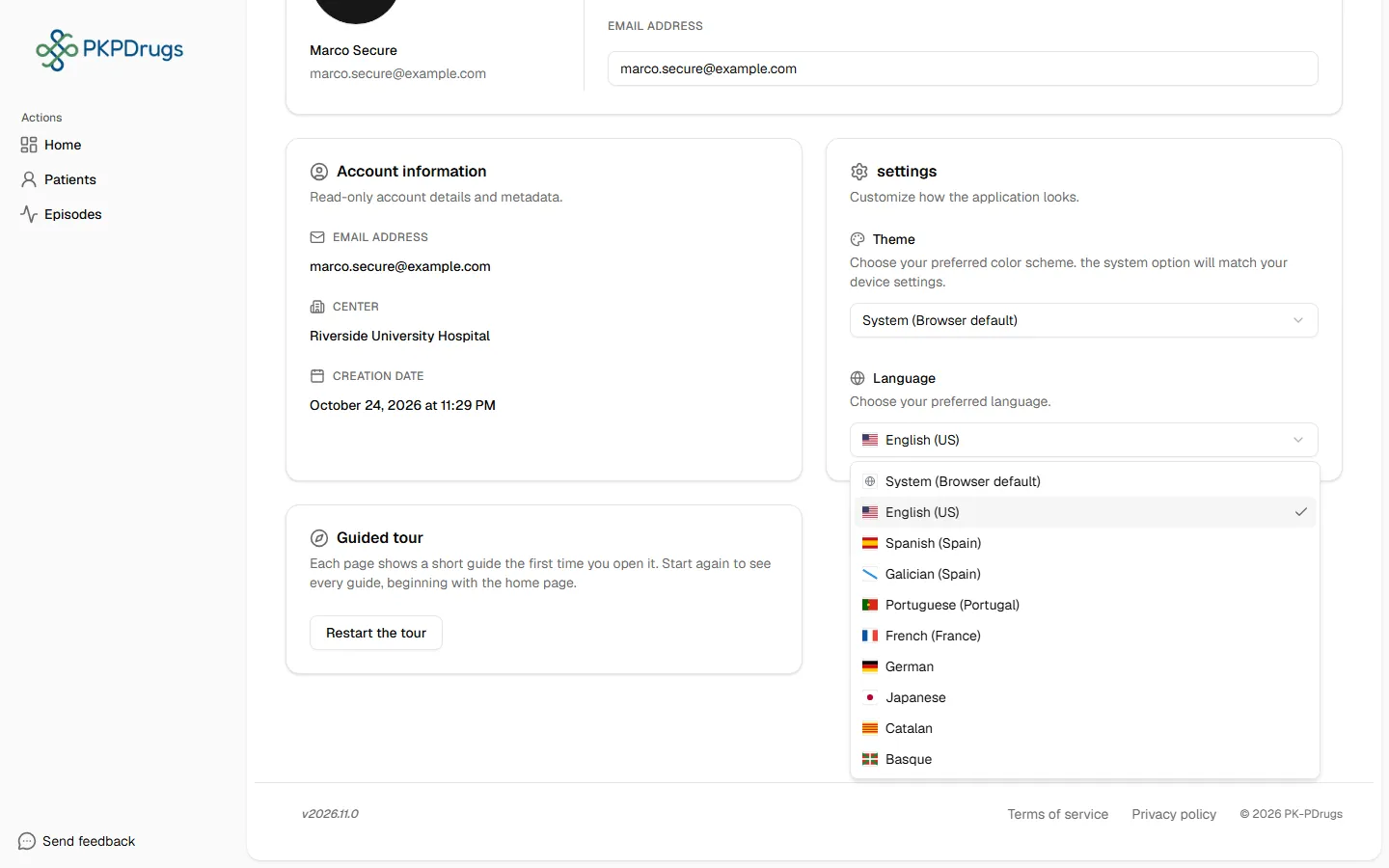
Section titled “Language and theme”The header includes a language switcher (PKPDrugs ships with 7 UI languages: English, Spanish, Portuguese, Galician, French, German, and Japanese) and a light/dark theme toggle.
Breadcrumbs, account menu, and changelog
Section titled “Breadcrumbs, account menu, and changelog”Breadcrumbs at the top of every page show where you are and let you jump back up the hierarchy (e.g. Episodes → a specific episode). The account menu (top right or in the sidebar footer) gives access to your account settings, the release changelog, and sign out.
Onboarding tour
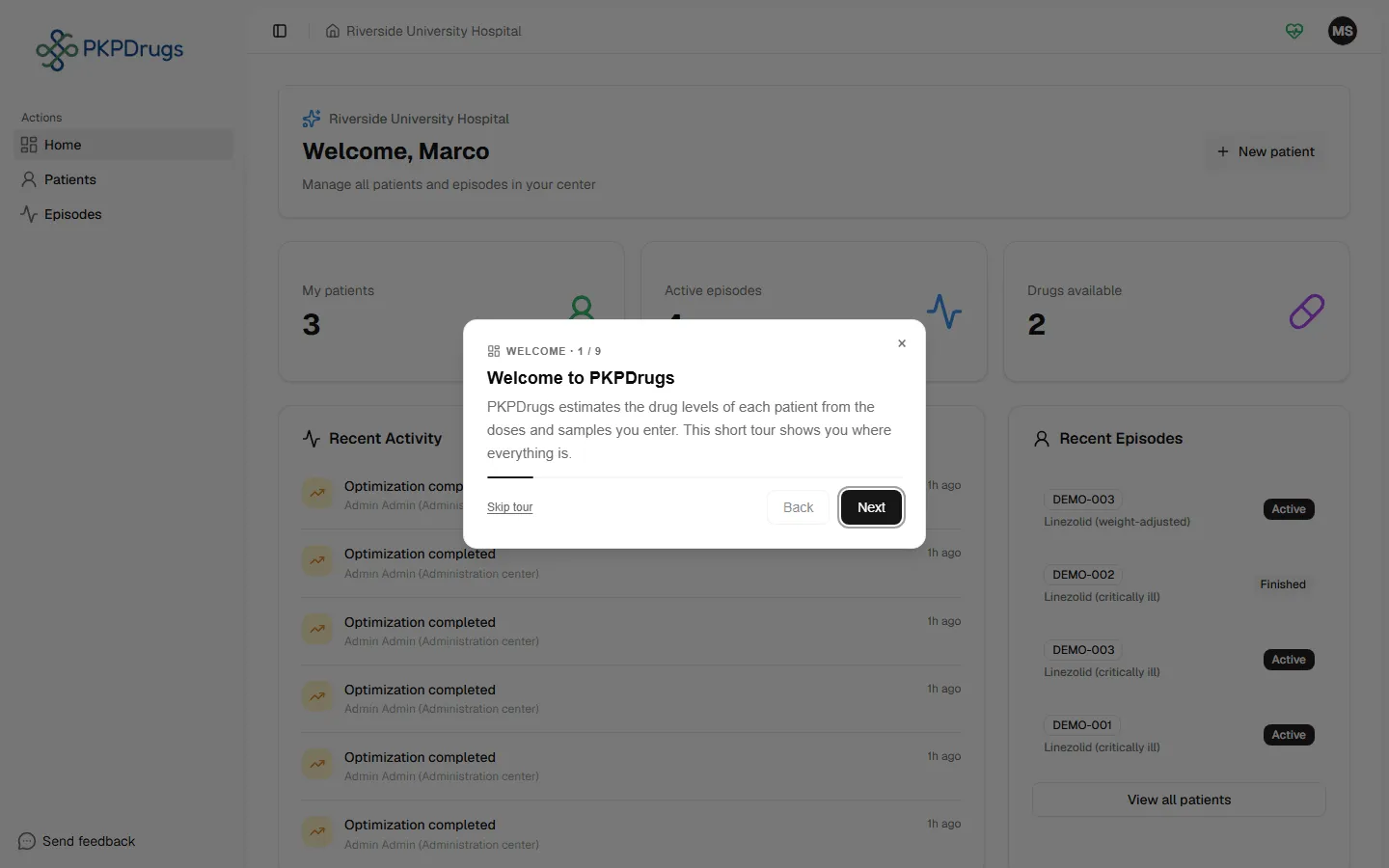
Section titled “Onboarding tour”New users can replay a guided tour that highlights the main areas of the app step by step.
Next: Your account.
Fields, checks and limits
Section titled “Fields, checks and limits”| Field | What to enter | Unit/format | Required | Minimum | Maximum | Message you see if it is wrong |
|---|---|---|---|---|---|---|
| Language | Catalan, German, English (US), Spanish (Spain), Basque, French (France), Galician (Spain), Japanese, Portuguese (Portugal), or System (Browser default) | List | No | - | - | - |
| Theme | Light, Dark or System (Browser default; follows your device) | List | No | - | - | - |
| Session | Stay active in the app | Time | - | - | 30 minutes without activity | “Your session ended because of inactivity. Sign in again to continue.” |
Both choices are made in Your account.